
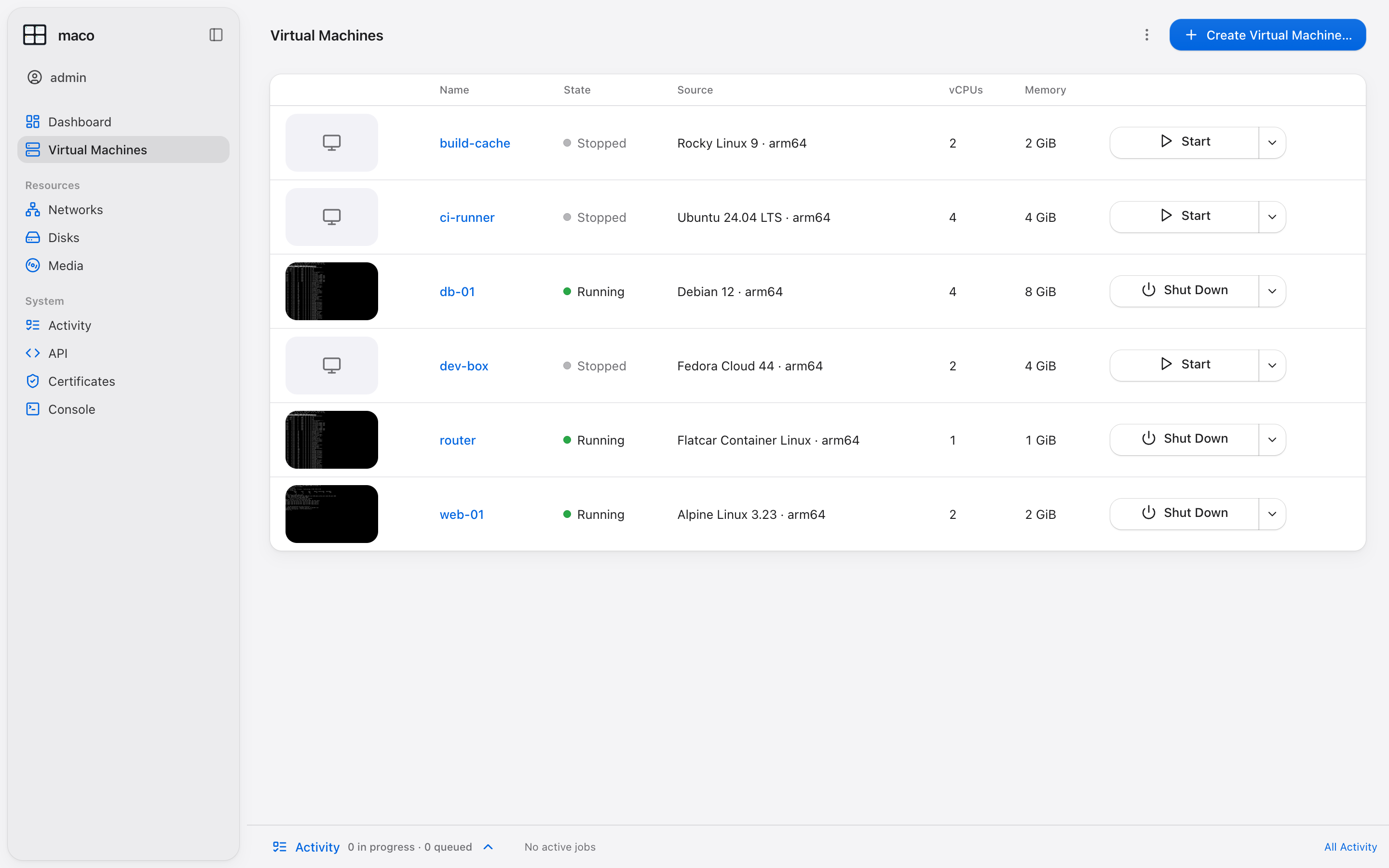
Self-contained
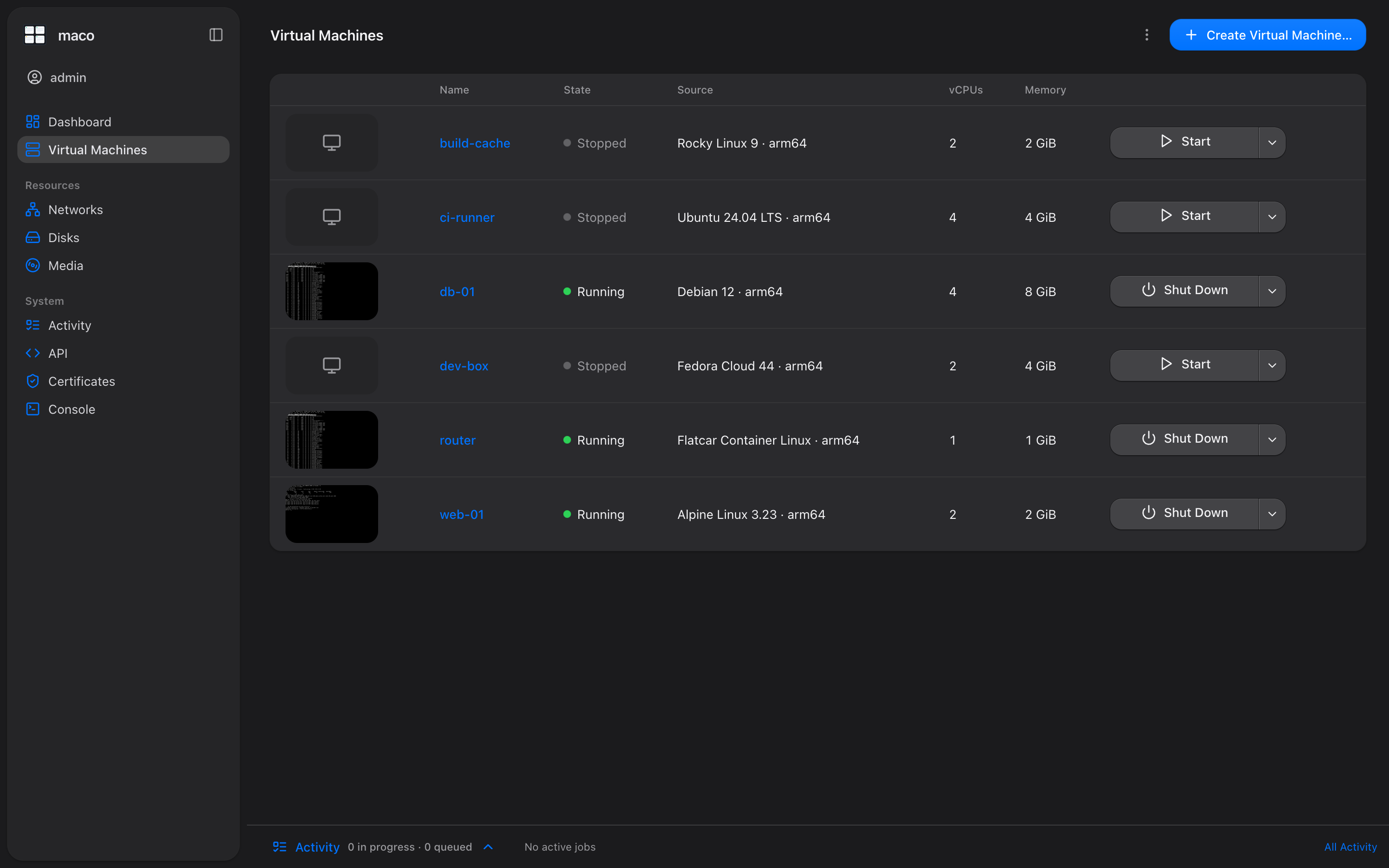
The web UI, a patched QEMU and its libraries are built in. State lives in SQLite. No Homebrew, no Redis.
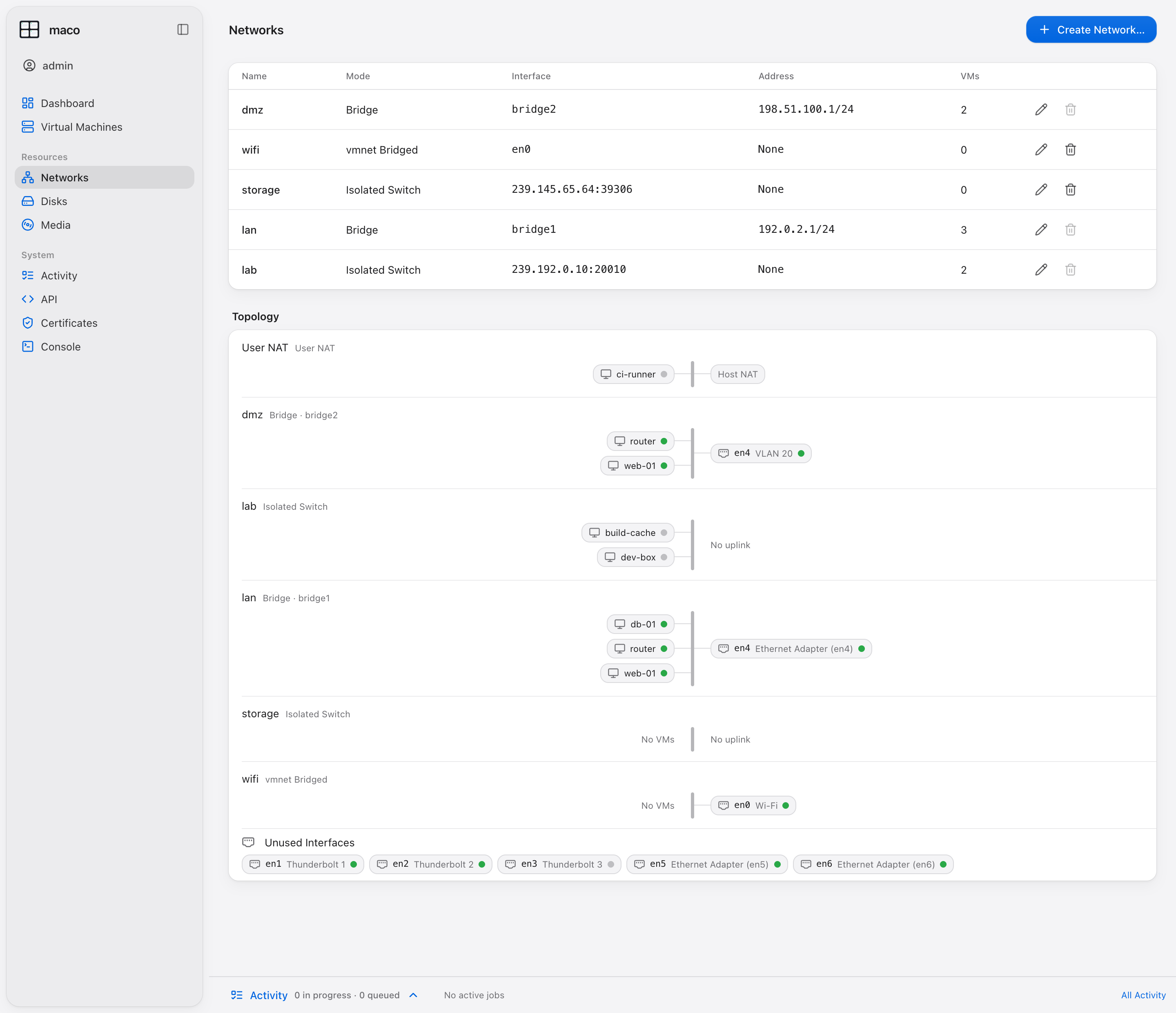
Native networking
User NAT, isolated switches, macOS bridges with VLANs and vmnet bridging, with a live topology view.
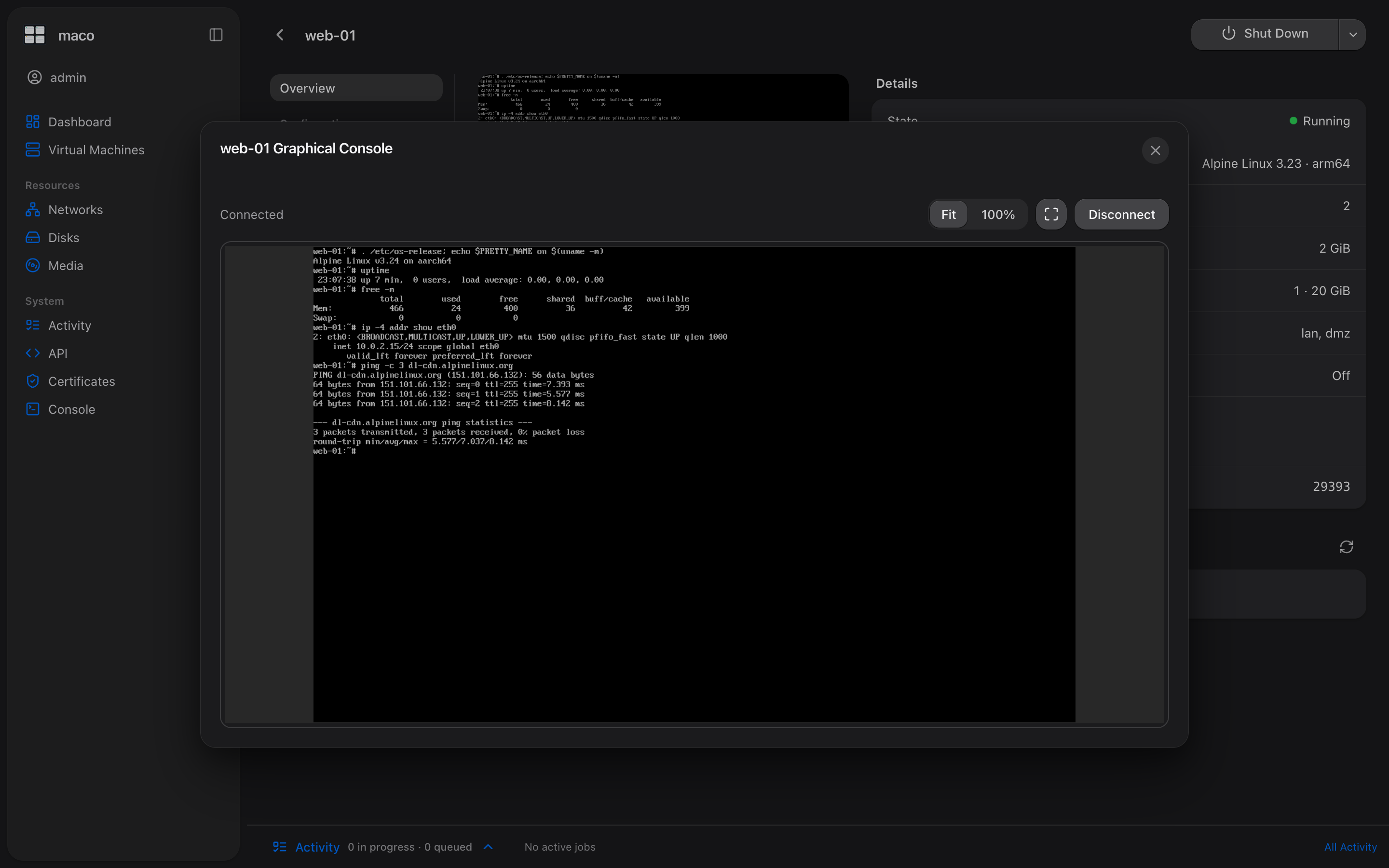
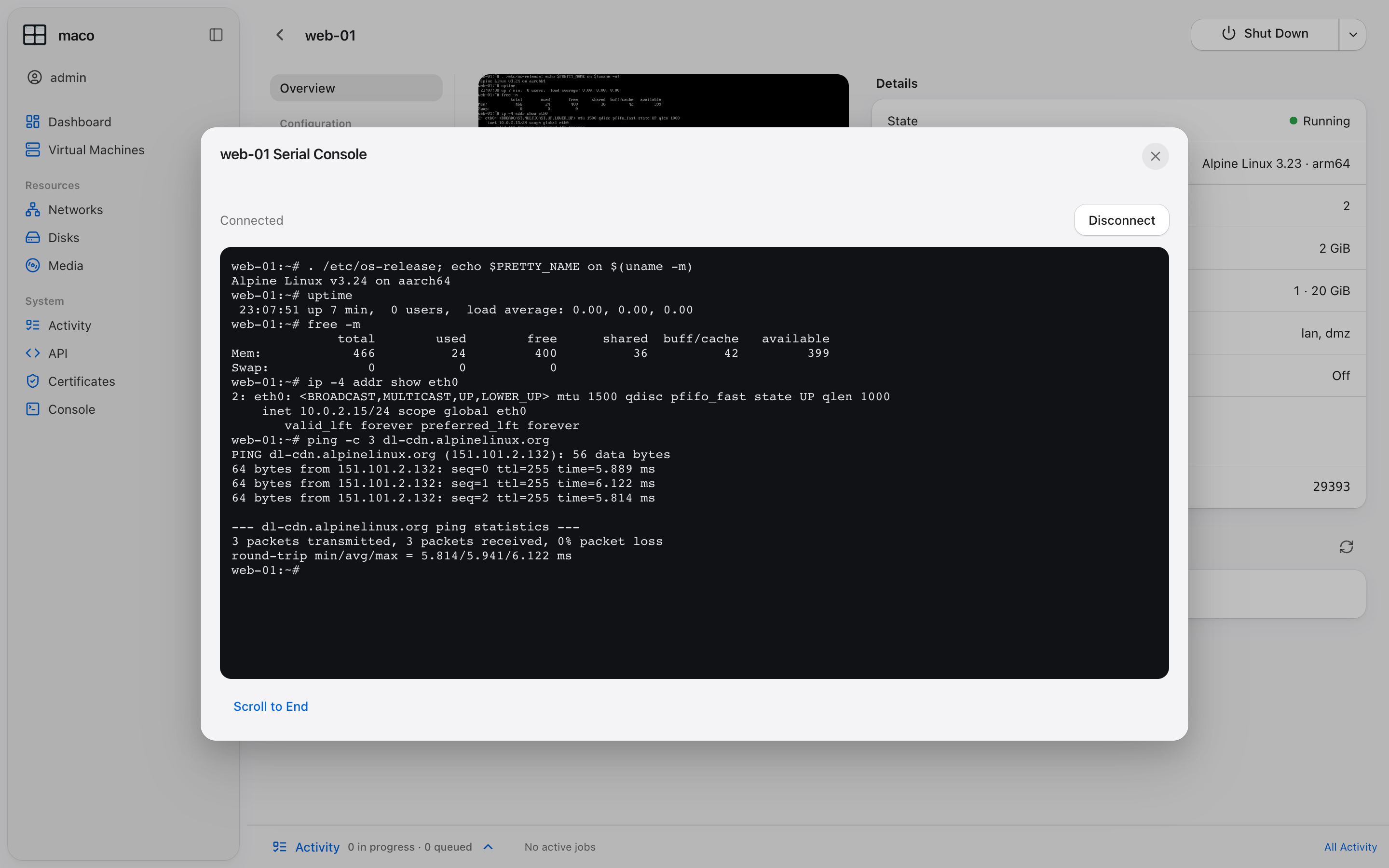
Consoles in the browser
A graphical console and a serial console for every running VM, on desktop and on iPhone.
Cloud images
Ubuntu, Debian, Fedora, Rocky, Alma, Alpine and Flatcar, provisioned with cloud-init or Ignition.
Operations
Disks, snapshots, scheduled backups with retention, USB passthrough and utilization metrics.
Automation
Every action is in the CLI and the HTTP API, with an OpenTofu and Terraform provider.
Install
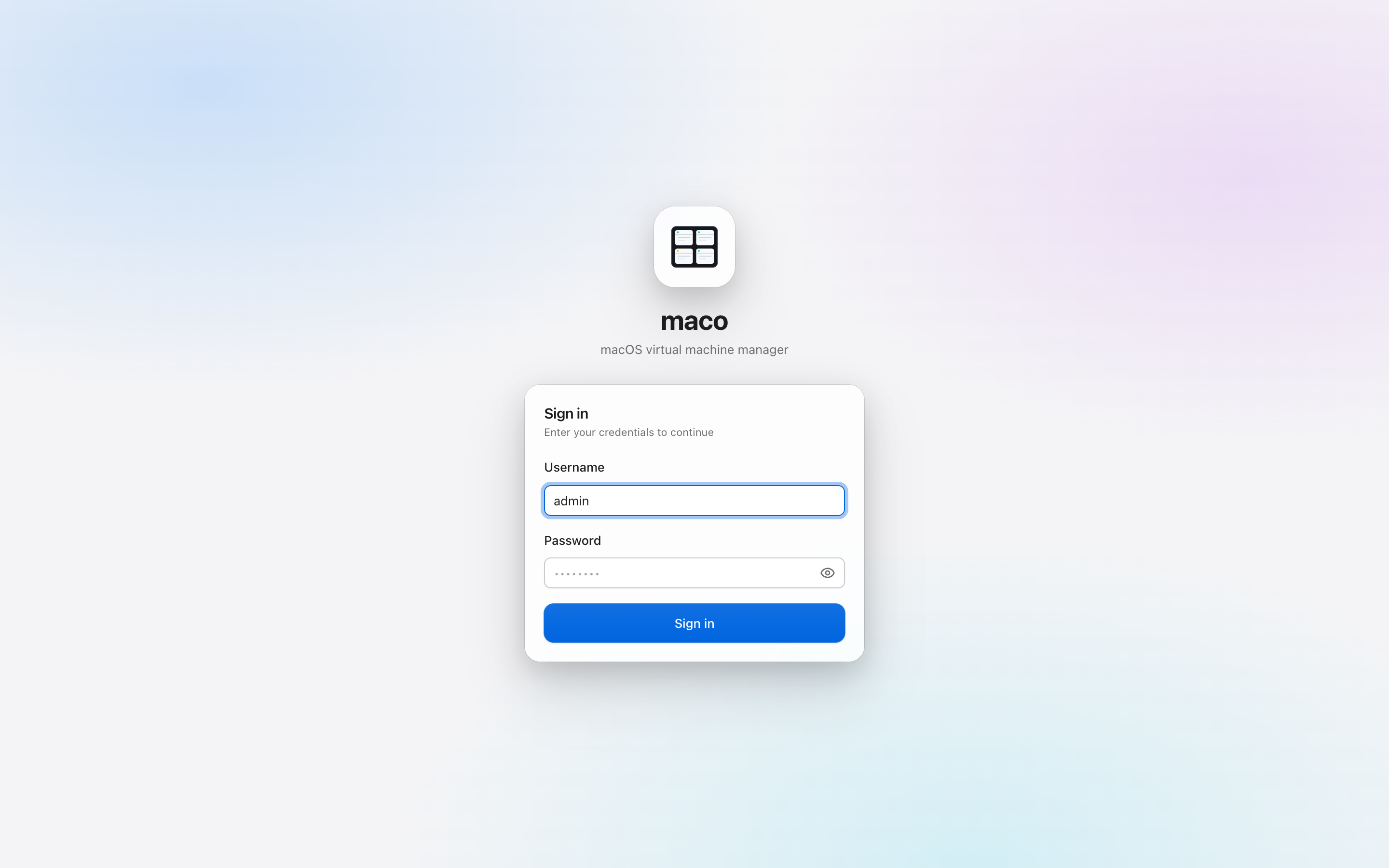
Open the package, or install the archive by hand, then set the admin password.
curl -LO https://maco.mvinc.fr/downloads/maco-0.1.0-darwin-arm64.tar.gz
tar -xzf maco-0.1.0-darwin-arm64.tar.gz
sudo ./maco install
sudo maco user passwd admin --password 'choose-a-password'
open https://localhost:8080
Networks and consoles
Bridge VMs onto your LAN or a VLAN, and open their consoles from the browser.
From the command line
The CLI drives the same engine as the web UI.
sudo maco image pull debian-12-arm64
sudo maco vm new web1 --image debian-12-arm64 --guest-config user-data.yaml
sudo maco vm start web1
sudo maco vm console web1
On your phone
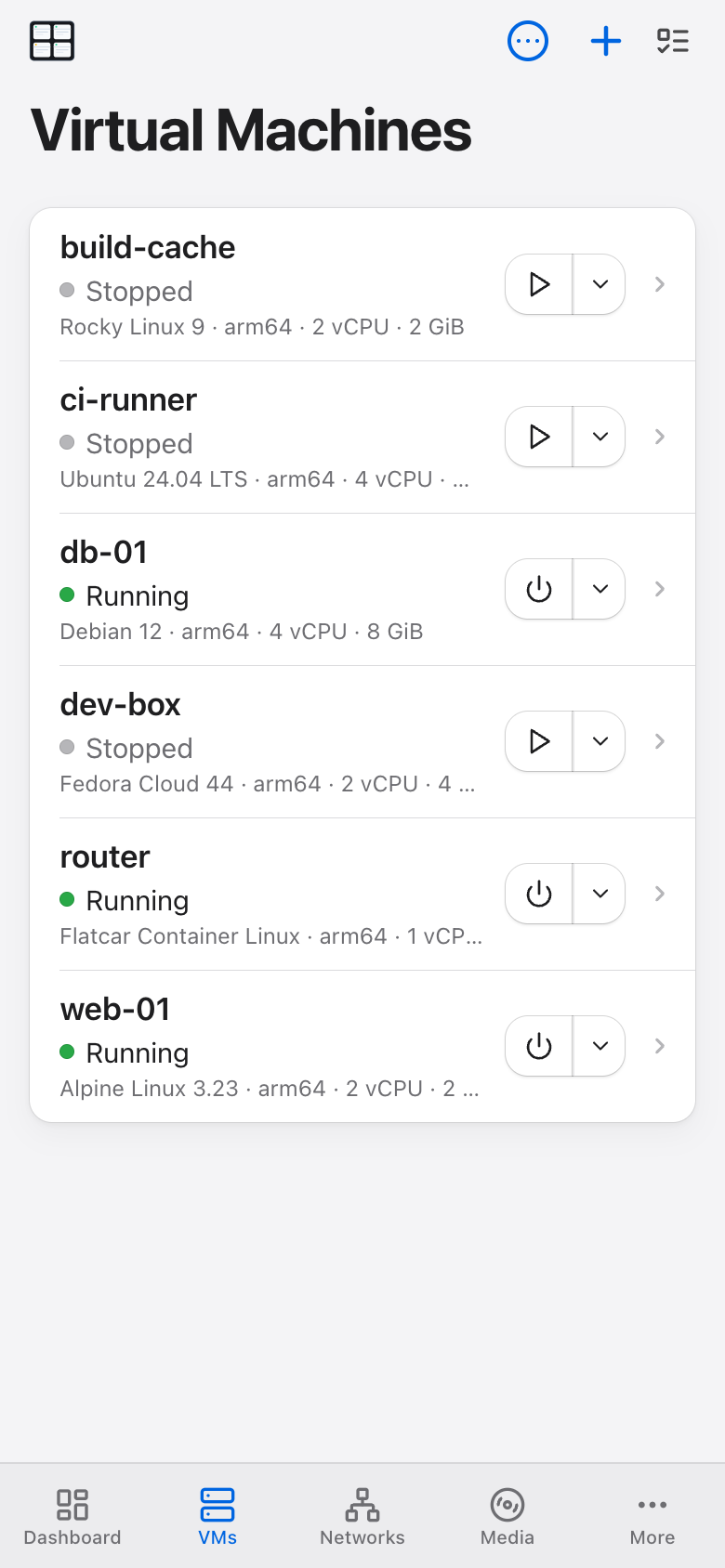
The same app on iPhone and iPad, installable to the home screen.